A model-by-model guide to the iPECS 1000i Series handsets, so you can match the right phone to every role on your team.
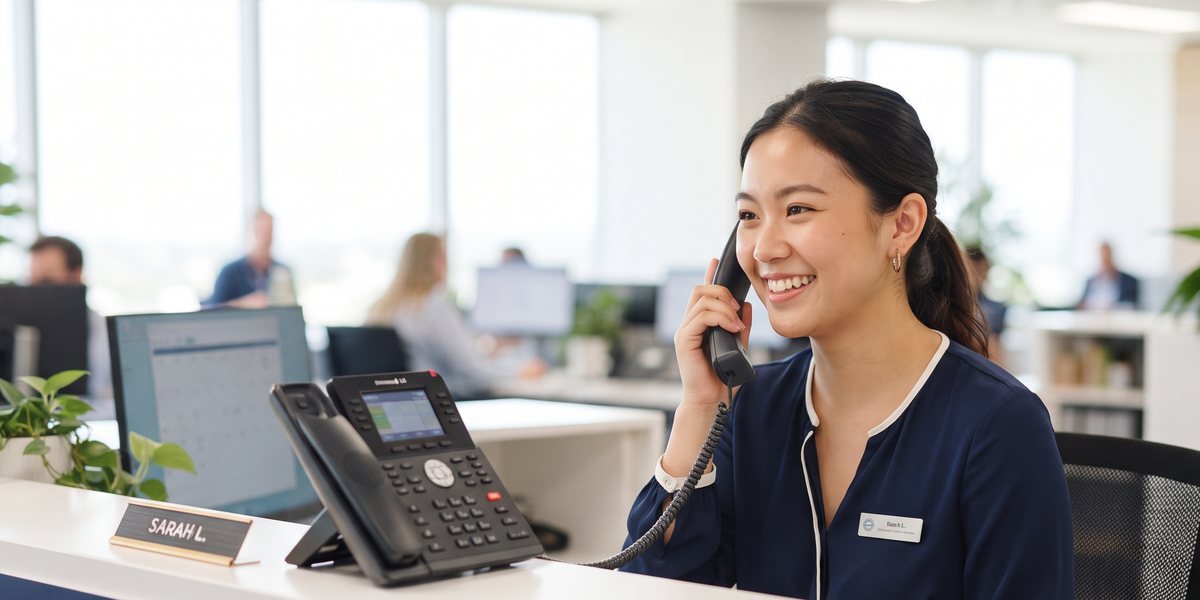
Not every desk in your business needs the same phone. A receptionist fielding fifty calls a day has
very different needs to someone who picks up the phone twice a week. The trouble is, most businesses end
up buying one handset model in bulk and living with the compromise everywhere — overpaying for
phones that barely get used, or under-equipping the people who live on the phone all day.
The iPECS 1000i Series solves this by offering six models on one unified platform, from a genuinely
low-cost entry phone through to a flagship video handset with a 7-inch touchscreen. Every model works
identically with your iPECS Cloud or
BizTel system, so you can mix models freely across your
team without any compatibility headaches. This guide walks through all six, and where each one actually
makes sense.
The full iPECS 1000i Series
-
Cost-Effective Entry IP Phone
The simplest and most affordable model in the range. Built for low-use areas, common spaces and budget deployments where reliable HD voice is the priority — think a breakroom phone, a warehouse extension, or a simple line for casual staff.
-
Standard IP Phone
Reliable everyday communication for general office use, with 16 programmable keys and a backlit greyscale display. The practical, no-fuss choice most staff will be perfectly happy with.
-
Essential Gigabit Colour IP Phone
The first colour display in the range, with 18 programmable keys and dual Gigabit Ethernet. A natural upgrade for busy office workers who are on the phone constantly through the day.
-
Professional Gigabit Colour IP Phone
Built-in Wi-Fi and Bluetooth plus 24 programmable keys make this the professional’s choice — ideal for managers, flexible workspaces, and anyone who needs to pair a headset wirelessly.
-
Advanced Gigabit Colour IP Phone
Built for power users. A large 4.3″ display, 36 programmable keys, Wi-Fi and Bluetooth make this the go-to for supervisors, team leads and anyone running a busy line of calls or a small call queue.
-
Flagship Premium IP Video Phone
The ultimate desk phone. A 7″ HD touchscreen, 8MP HD video camera, Android 10, Wi-Fi, Bluetooth 5.0, HDMI output and 48 programmable keys — built for executives, reception, and anyone who wants video calling built straight into their desk phone.
Compare the range at a glance
| Model | Display | Programmable keys | Notable features |
|---|---|---|---|
| 1010i | 2.4″ B&W display | 4 programmable keys | HD audio, PoE |
| 1020i | 2.8″ greyscale display | 16 programmable keys | HD audio, PoE |
| 1030i | 2.8″ colour display | 18 programmable keys | Gigabit, HD audio |
| 1040i | 3.5″ colour display | 24 programmable keys | Wi-Fi + Bluetooth, Gigabit |
| 1050i | 4.3″ colour display | 36 programmable keys | Wi-Fi + Bluetooth, Gigabit |
| 1080i | 7″ HD touchscreen | 48 programmable keys | 8MP video camera, Android 10 |
PoE and Gigabit: the unglamorous details that matter
It’s easy to skip past technical specifications like “PoE” and “Gigabit Ethernet” as boilerplate, but
they have real practical implications worth understanding. Power over Ethernet means a single network
cable delivers both data and power to the handset — no separate power adapter, no extra power point
needed near the desk, and one less cable to manage. For offices being fitted out or reconfigured, this
meaningfully simplifies the cabling and electrical planning involved.
Gigabit Ethernet, available from the 1030i up, means the handset itself can act as a network pass-through
for a connected computer, rather than requiring two separate network points at every desk. For offices
with a limited number of network drops available, routing a desktop computer’s connection through the
phone rather than needing its own dedicated point can meaningfully simplify a fit-out or reduce cabling
costs.
How to actually choose
Rather than picking one model for the whole office, most Comstel clients land on a mix. A typical
20-person office might run something like this:
- Reception / high call volume: the 1050i or 1080i — enough programmable keys to
manage multiple lines and transfers without hunting through menus. - General staff desks: the 1020i or 1030i — reliable, simple, and inexpensive
enough to deploy across a whole floor. - Managers & supervisors: the 1040i or 1050i — Wi-Fi and Bluetooth headset
pairing matter more here, since these are the people most often on long calls while multitasking. - Common areas & low-use extensions: the 1010i — no point paying for a
colour touchscreen in the breakroom. - Executives & client-facing video calls: the 1080i — built-in video camera
means no separate webcam or software needed for a quick face-to-face call.
Why the handset matters as much as the system
It’s tempting to think of the phone system as “the important bit” and the handset as an afterthought
— a commodity, interchangeable, barely worth thinking about. In practice, the handset is what your
team touches fifty times a day. A phone with too few programmable keys means constant menu-diving to
transfer a call. A greyscale display on a desk that handles dozens of incoming lines slows everyone down.
Getting the handset wrong doesn’t break anything — it just quietly costs your team time, every single
day, for years.
All six iPECS models share the same underlying reliability — PoE powered, Gigabit-ready (from the
1030i up), and built by Ericsson-LG specifically to work with the iPECS Cloud and BizTel platforms rather
than being generic third-party hardware bolted on afterwards. That matters more than it sounds: it means
firmware updates, features and troubleshooting all stay consistent across your fleet, whether you’ve got
five phones or five hundred.
A note on warranty and support
Every iPECS handset supplied by Comstel comes with manufacturer warranty cover, and because Comstel is
the one selling, installing and supporting the system end-to-end, a hardware fault doesn’t mean navigating
a separate manufacturer support process on your own. One call to 1300 700 600 covers the handset, the
underlying iPECS Cloud or BizTel platform, and everything in between — which matters more than it
sounds the day something actually goes wrong and you just want it fixed, not a troubleshooting runaround
between three different companies.
What connects all six models
It’s easy to focus purely on screen size and key count when comparing handsets side by side, but the
more important story — and the one worth understanding before ordering anything — is what
all six models share underneath, regardless of which one ends up on which desk.
It’s easy to focus purely on screen size and key count, but the more important story is what all six
handsets share underneath. Every model in the 1000i Series is built by Ericsson-LG specifically for the
iPECS platform — not a generic third-party SIP phone re-provisioned to sort-of work with your system.
That matters in a few practical ways.
Firmware updates roll out consistently across the fleet, so a security patch or feature update reaches
every handset the same way, rather than some models being supported and others quietly falling behind.
Power over Ethernet (PoE) is standard from the 1010i up, meaning a single cable delivers both power and
network connection — no separate power brick cluttering the desk, and no extra power point needed
near every phone. And because every model talks the same underlying protocol to your iPECS Cloud or
BizTel system, moving a handset from one desk to another, or adding new starters, is a same-day
administrative task rather than a technician callout.
Wi-Fi and Bluetooth: when they actually matter
From the 1040i up, every model includes built-in Wi-Fi and Bluetooth. It’s tempting to treat this as a
nice-to-have, but for the right role it solves a genuine problem: desks that don’t have an Ethernet point
nearby, or team members who spend a meaningful part of the day on calls and want to pair a wireless
headset rather than being tethered to the handset itself.
For roles like account management, recruitment, or any position that involves long calls while also
typing notes or checking a screen, Bluetooth headset pairing genuinely changes the day-to-day experience
— being able to stand up, walk to the printer, or reach for a filing folder mid-call without
dropping the conversation. It’s a small thing that adds up over a full working week.
The 1080i: more than just a bigger screen
The flagship 1080i deserves a closer look on its own, because it’s a genuinely different category of
device rather than simply a larger version of the others. Running Android 10 with a 7-inch HD touchscreen,
it behaves more like a small tablet with a handset built in than a traditional desk phone. The built-in
8MP camera means video calls happen natively, without a laptop, webcam, or separate video conferencing
software — useful for a quick face-to-face with a client or remote team member who’s used to seeing
a person, not just hearing one.
HDMI output means the 1080i can also drive an external monitor for presentations or shared viewing
during a call — a feature more commonly associated with dedicated conference room equipment than a
single desk phone. For reception desks handling video-enabled visitor check-ins, or executives who take
frequent video calls with clients or head office, it’s worth the step up from the 1050i.
This month’s offer
Throughout October, iPECS handsets are up to 35% off across the range. Because pricing
and specific model discounts can move during the promotion, we’re keeping the live, current numbers on the
website rather than printing them here — so what you see is always accurate on the day you’re
ready to order.
Getting the fleet right, not just one phone
Most conversations about handsets end up being about more than a single phone — they’re about
getting the right mix across an entire team. It’s worth thinking about this the same way you’d think
about seating or desk allocation: not every role needs the same setup, and over-equipping low-use areas
is just as wasteful as under-equipping high-use ones.
A useful exercise before ordering is a quick audit of who actually uses their desk phone, and how.
Some roles have shifted heavily toward mobile or Teams calling over the past few years, which might mean
fewer desk handsets are needed overall, with the budget redirected toward better equipping the desks that
genuinely rely on them — reception, sales, and support in particular.
What happens after handsets arrive
Ordering the phones is only part of the process. Comstel handles provisioning — configuring each
handset with the right extension, permissions and features before it reaches the desk — so new
hardware is genuinely plug-and-play rather than requiring IT involvement to get working. For larger
orders, this is typically done in a batch ahead of a scheduled rollout date, so a whole floor can be
swapped over in a single coordinated changeover rather than a drawn-out, disruptive process spread across
weeks.
See this month’s live iPECS handset pricing, browse the full range, and get a tailored recommendation for your team.
Frequently asked questions
- Can I mix different handset models on the same system?
- Yes — all six models run on the same iPECS Cloud or BizTel platform, so you can assign whichever
model suits each role without any compatibility issues. - Do I need iPECS Cloud or BizTel to use these handsets?
- The 1000i Series is designed specifically for the iPECS platform. If you’re not yet a Comstel phone
customer, our team can scope a full system alongside your handset order. - What if I already have some iPECS handsets and want more?
- No problem — tell us your existing models and user count, and we’ll quote additional handsets
to match, with October’s discount applied. - How long does installation take?
- Handsets are typically provisioned and ready within a few business days of order confirmation,
alongside any existing iPECS Cloud or BizTel setup timeline.
Talk to Comstel ICT
Fill in the form below and a Comstel specialist will be in touch the same business day — or call
1300 070 747.
Error: Contact form not found.
